-
-
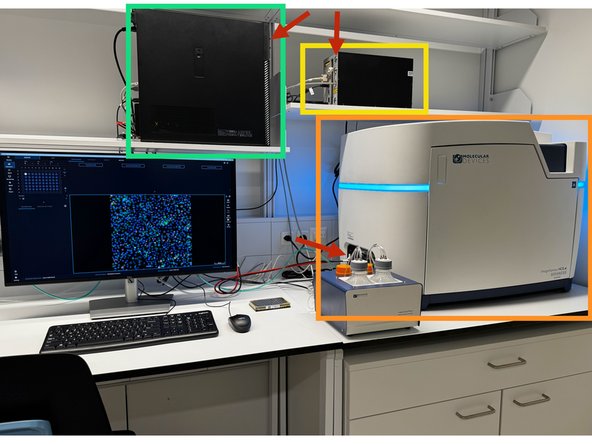
Turn on the:
-
Instrument
-
Laser - Check that the key is tured on
-
PC
-
Log-in with your ZMB core user name, eg, u.ser
-
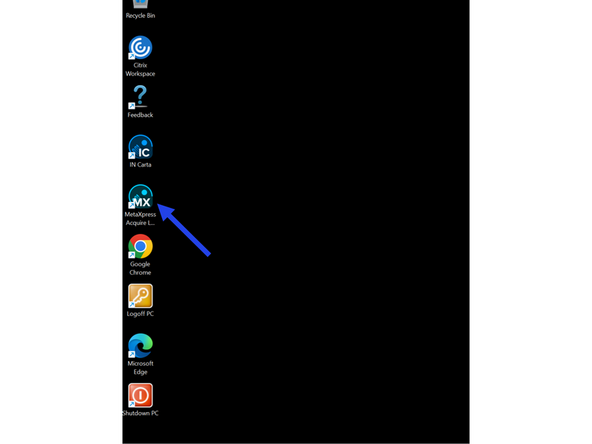
Start the software
-
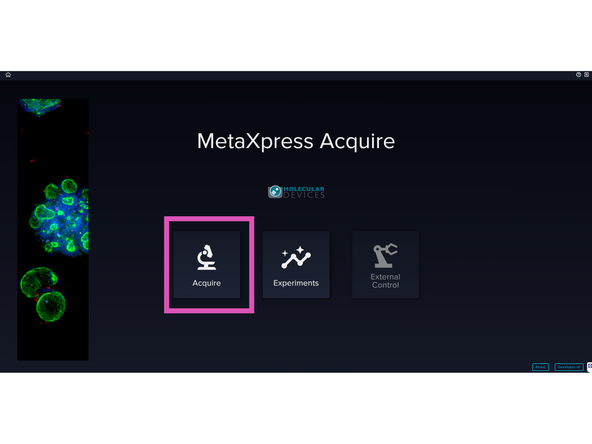
Select Aquire. If you want to review your imaging data select "Experiments".
-
When using the enviromental control, warm up the instrument at least and hour in advance, and note it in the booking system so people know thetemprature
-
-
-
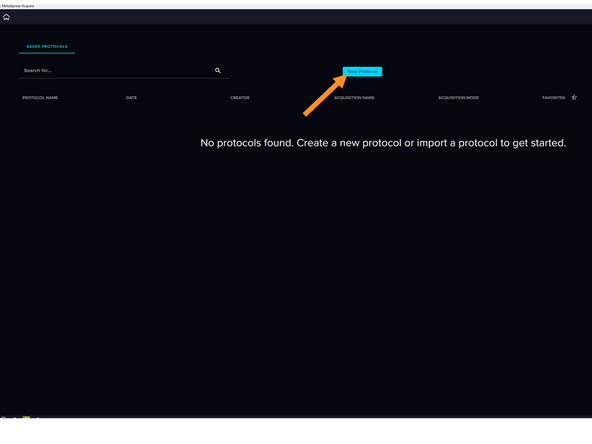
Start a "New protocol" or...
-
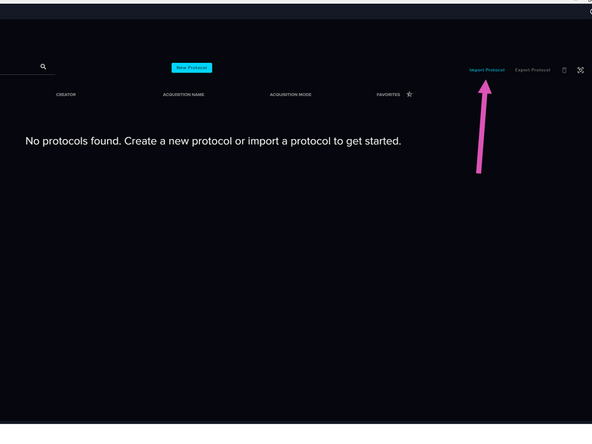
...load an existing one.
-
-
-
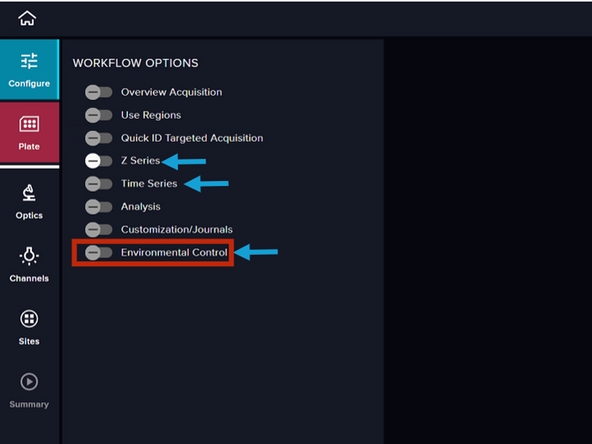
Activate addtional workflow options, that is, besides x-y plate imaging. Most commonly used workflow addtions will be: z-stacks, time-lampses, and environmental control
-
Make sure to turn on the environmental control at least 1 hour before acquisition
-
-
-
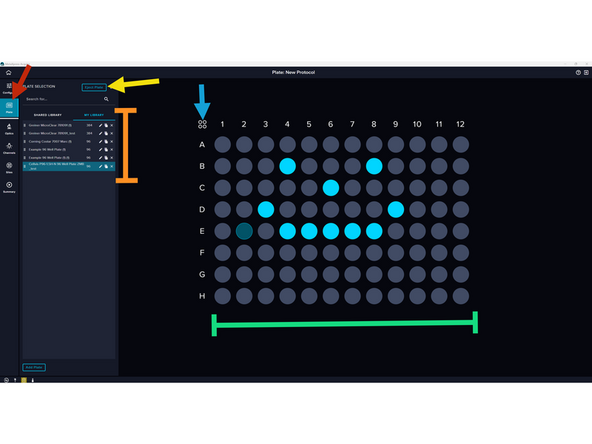
Go to the plate tab
-
Select a plate from the list or one similar to the one you are using - This will be adjusted later for precision
-
Press eject plate
-
You can select the wells you plan to image here...
-
... or select all wells here
-
Note that with 20x water and beyond, you cannto image the edge rows and columns
-
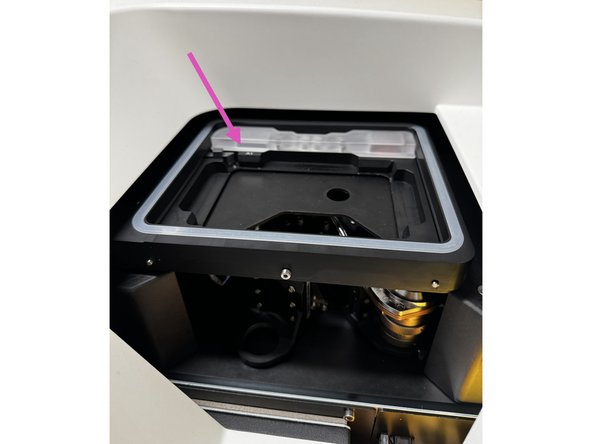
Load your plate with the A1 position facing away from you and to your left
-
For slides (regular, chamber, others) imaging, use the slide holder on the shelf
-
-
-
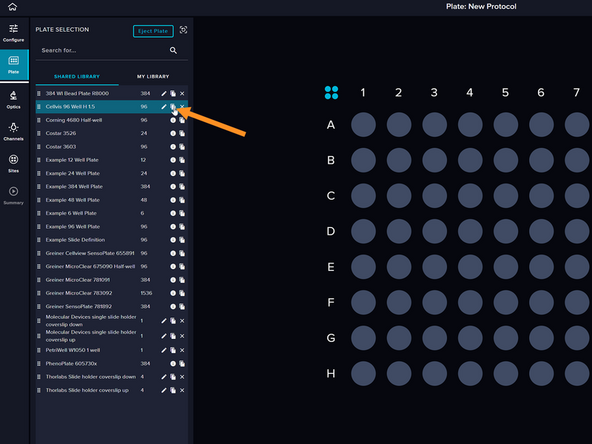
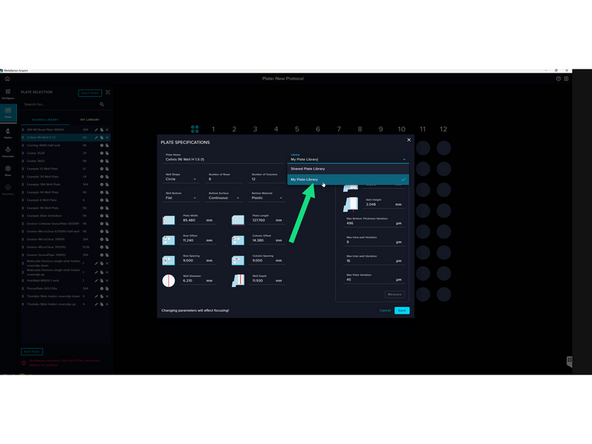
Choose your preferred plate configuration from the shared library and duplicate it
-
Rename and adjust the specifications if necessary
-
Save into "My plate library"
-